Stacker
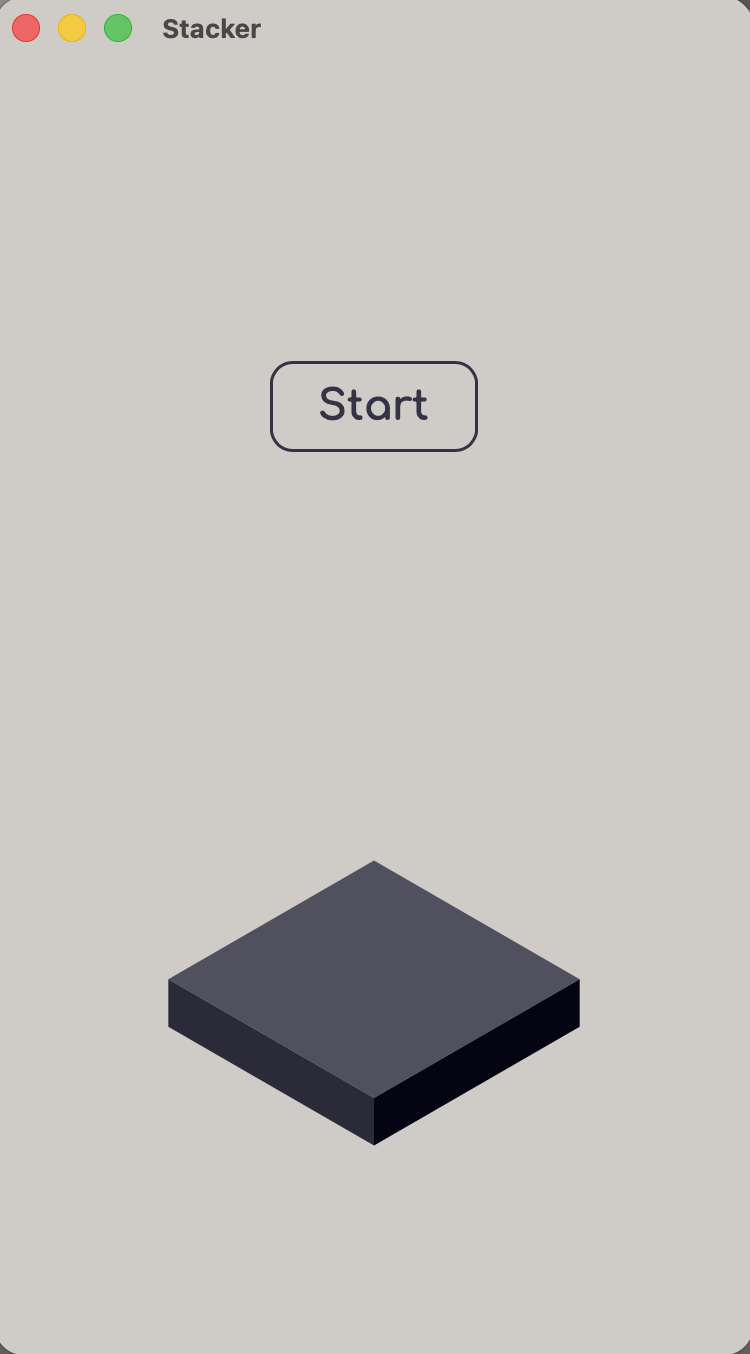
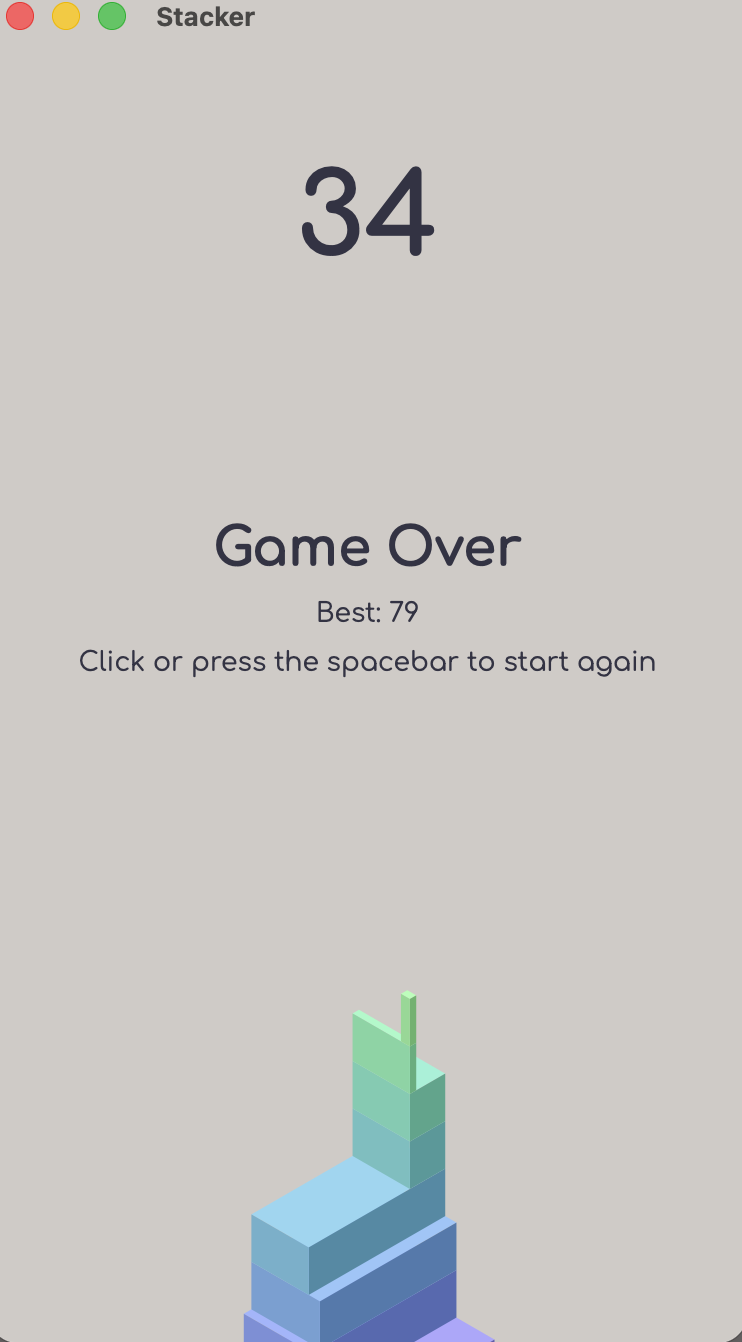
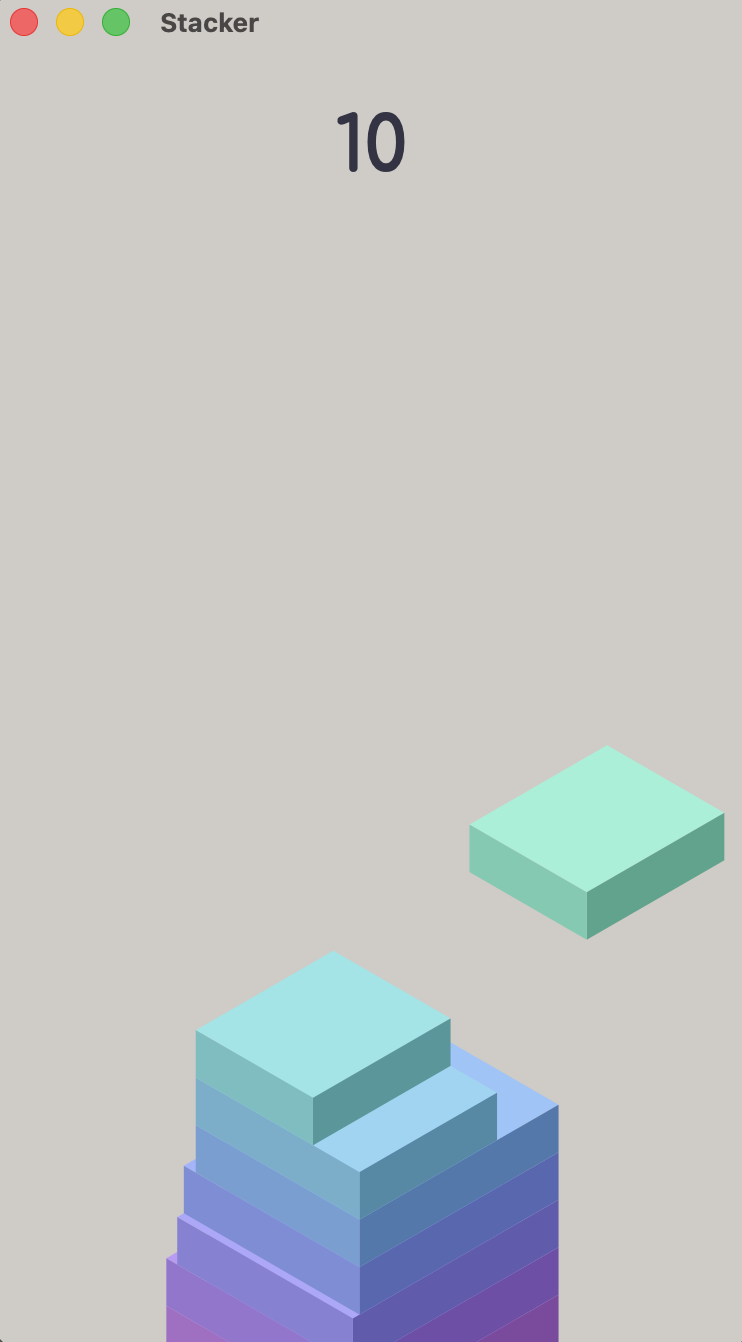
Play the stack game in the browser. To play click or press space!
----------------------------------------------------------------------------------------------------------
If you are experiencing lag, make sure:
- If you downloaded the Mac app: Make sure your Mac is not in Low Power Mode for the smoothest performance.
- If you are playing in Google Chrome, make sure Chrome's Energy Saver is turned off for the best experience. You can disable it by:
- Clicking the three dots in the top right corner and selecting Settings.
- Clicking Performance on the left menu.
- Scrolling down to the Power section and turning Energy Saver off.
- If you are playing in any other browser: Make sure your browser's energy/battery saver mode is turned off for the smoothest gameplay.
----------------------------------------------------------------------------------------------------------
Made in JS and html
Download
Install instructions
Simply double click the zip file, and it will unzip. Then open the app.
It may pop up as an unverified dev. This is normal because I don't have an Apple licence. Go into settings and click privacy and security. Scroll down and click the button open anyway. And you can go ahead and play!
But if you are seeing that the file is damaged do:
Paste xattr -cr with a space in terminal.
Drag the unzipped app into terminal after xattr -cr
Enter. Then go back and open the app and it will run!
Leave a comment
Log in with itch.io to leave a comment.